
Guest Speaker Series | April 18, 2026 | Reported by the District 5 Fairs Web Team
Presented by Doug van Wolde, WeGo.ca Website Developers Inc. OAAS District 5 Spring Meeting · April 18, 2026
At this year’s spring meeting, Doug van Wolde of WeGo.ca Website Developers Inc. presented on a topic that resonated with many in the room. Doug is a familiar face in District 5 – he serves as web developer and photographer for several of our member fairs, including Markham, Uxbridge, Caledon, Beeton, Elmvale, and Schomberg. He is also currently the interim secretary for the Uxbridge Fair.
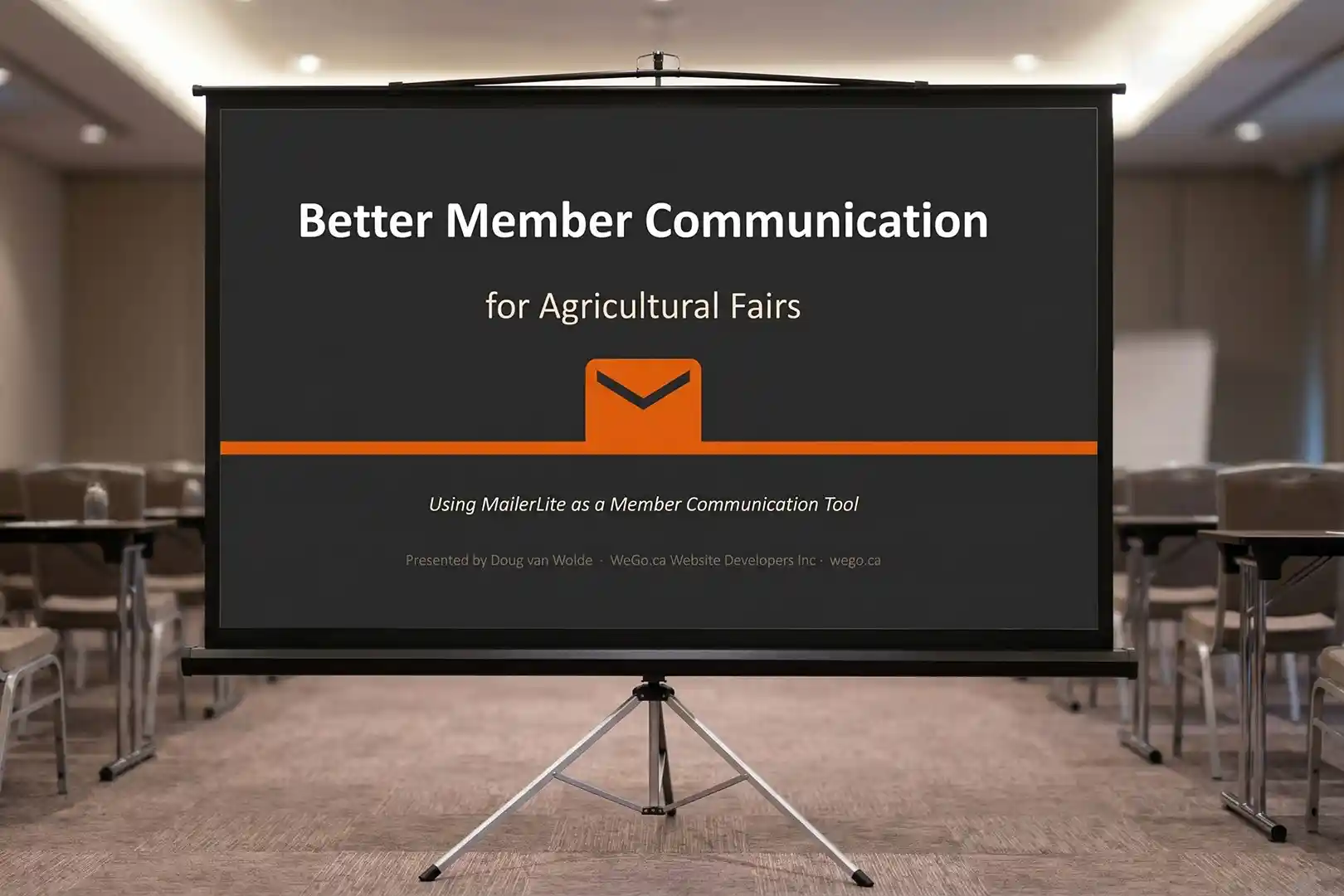
The presentation, titled Better Member Communication for Agricultural Fairs, addressed a problem many of our secretaries and executives know all too well: sending out an important email and having no idea whether anyone actually received it.
The full slide deck is available for download at wego.ca.
The Problem with How We Currently Send Email
Doug opened by framing a challenge that resonated immediately with the room. Many fairs rely on desktop Outlook, Gmail, or Hotmail to send bulk messages to their boards and memberships. The problem is that these tools were never designed for that purpose.
When you send a message to 20, 30, or 50 people at once – especially using BCC – you’re effectively doing what spammers do, and the big email providers (Microsoft, Google, Apple) have collectively tightened their filters to fight exactly that. The result is that legitimate communications from your fair are increasingly landing in spam folders or not being delivered at all, with no indication to the sender that anything went wrong. This problem has been building for years and is getting worse as spammers become more sophisticated and providers become more strict.
Additional concerns include:
- CASL compliance risk – Canada’s Anti-Spam Legislation requires that bulk emails include an unsubscribe link. Most fairs sending through Outlook are not meeting this requirement.
- No delivery tracking – when you send through Outlook, you have no way of knowing who received your message, who opened it, or whether it bounced.
- Professionalism – emails sent from Gmail or Hotmail accounts don’t represent your organization. A branded address (e.g., secretary@yourfair.ca) signals that a message is official and legitimate.
What Are Bulk Email Tools?
Bulk email platforms were originally built for marketing – sending promotional campaigns to large subscriber lists. But as Doug explained, we can use them much more simply: as a reliable, trackable replacement for sending group emails to your board, volunteers, and membership.
Used this way, these tools offer significant advantages over desktop email:
- Reliable delivery – messages are sent through vetted, high-reputation servers that are far less likely to be flagged as spam
- Open and click tracking – you can see exactly who opened your message, when they opened it, and which links they clicked
- Personalization – each recipient sees their own name in the message, making a bulk send feel like a personal communication
- Scheduled sending – messages can be queued to go out at a time when your audience is likely to read them (Doug recommends weekday evenings)
- Segmentation – you can maintain separate lists for your full membership, board of directors, and executive, and send to each group independently with one click
- Built-in CASL compliance – unsubscribe links are included automatically in every message
- Engagement statistics – open rates, click-through rates, and bounce reports help you understand how well your communications are landing
Comparing the Options
Doug compared three leading platforms – MailChimp, Constant Contact, and MailerLite – and recommended MailerLite as the best fit for small agricultural fairs.
| Feature | MailChimp | Constant Contact | MailerLite |
| Free Plan | Yes (very limited) | No (trial only) | Yes |
| Free Subscriber Limit | 250 contacts | N/A | 500 subscribers |
| Free Monthly Email Limit | 500 emails/month | N/A | 12,000 emails/month |
| Paid Plan (500 contacts) | ~$13/month | $12/month | $10/month |
| Automation on Free Plan | No | No | Yes |
| Nonprofit Discount | 15% | 30% | 30% |
Prices verified April 2026. Always check provider websites for current rates.
For most small fairs, the free tier of MailerLite will never be exceeded. The only scenario requiring a paid upgrade is if two users need simultaneous access to the account, which starts at approximately $20/month, still less than the competitors.
Why MailerLite?
Beyond the pricing, Doug pointed to several reasons Uxbridge Fair chose MailerLite:
- Easiest to learn – non-technical volunteers can get comfortable with it in an afternoon
- Send from your own domain – messages go out from your fair’s branded email address, not from a generic platform address
- Strong deliverability – dramatically reduces the chance of messages ending up in spam compared to Outlook bulk sends
- Tracks everything – open rates, click rates, and bounces are all visible in the dashboard; Doug noted that Uxbridge Fair consistently sees open rates around 78%, which is excellent
- Sponsor value – high open rates are a compelling selling point when approaching sponsors for email recognition
- 30% nonprofit discount – registered not-for-profits qualify for significant savings on paid plans
A Note on Articles of Incorporation
Doug noted that MailerLite and similar platforms offer free or heavily discounted plans to verified not-for-profit organizations. However, accessing those discounts currently requires proof of incorporation, which most of our fairs cannot provide. Fairs registered under the Agricultural and Horticultural Societies Act do not have individual articles of incorporation, and OMAFRA letters of good standing are not accepted as an equivalent by third-party verifiers such as those used by Microsoft and Google.
This is one of the reasons Doug has been actively working to obtain articles of incorporation for our fairs – a matter that was discussed in more depth during the New Business portion of the meeting.
Getting Started
For any fair ready to make the switch, Doug outlined a straightforward setup process:
- Create a free account at mailerlite.com – no credit card required
- Import your member list – export your contacts to a spreadsheet (.csv) and upload it into MailerLite; organize into groups (e.g., Directors, Volunteers, Executive)
- Connect your domain – set up your fair’s branded email address as the sender; this requires a small DNS update, which your web developer can handle
- Add your logo and branding – upload once and it appears consistently in every message you send
- Send your first email – use the drag-and-drop editor, preview it, test-send to yourself, then send to your group
Doug also offered to help any fair in District 5 get set up, including evening Zoom sessions for those with day jobs. He can be reached through wego.ca.
Best Practices Shared During Q&A
The presentation sparked a lively discussion, with several practical tips emerging from the group:
- Always include the name of your fair in the subject line so recipients immediately know who is writing
- Prefix subject lines with the year (e.g., 2026 – AGM Reminder) so emails are easy to find when searching later
- Always include your name and fair in the email signature – “from Woodbridge Fair” tells only half the story; recipients need to know who specifically sent it
- Send yourself a test email before every broadcast to confirm how it looks on both desktop and mobile
- Update the pre-header text with every send – the short preview line visible on mobile should reflect the actual topic of the message, not a generic placeholder
The full presentation slide deck is available for download at wego.ca.